Choose the session first
See the session, open status, location and time before processing guests.
MODE 03 / Session admission
Breakouts, private meetings and training sessions have their own lists and doors. Select a session, verify access, confirm admission and review records separately from event check-in.
Plan my setup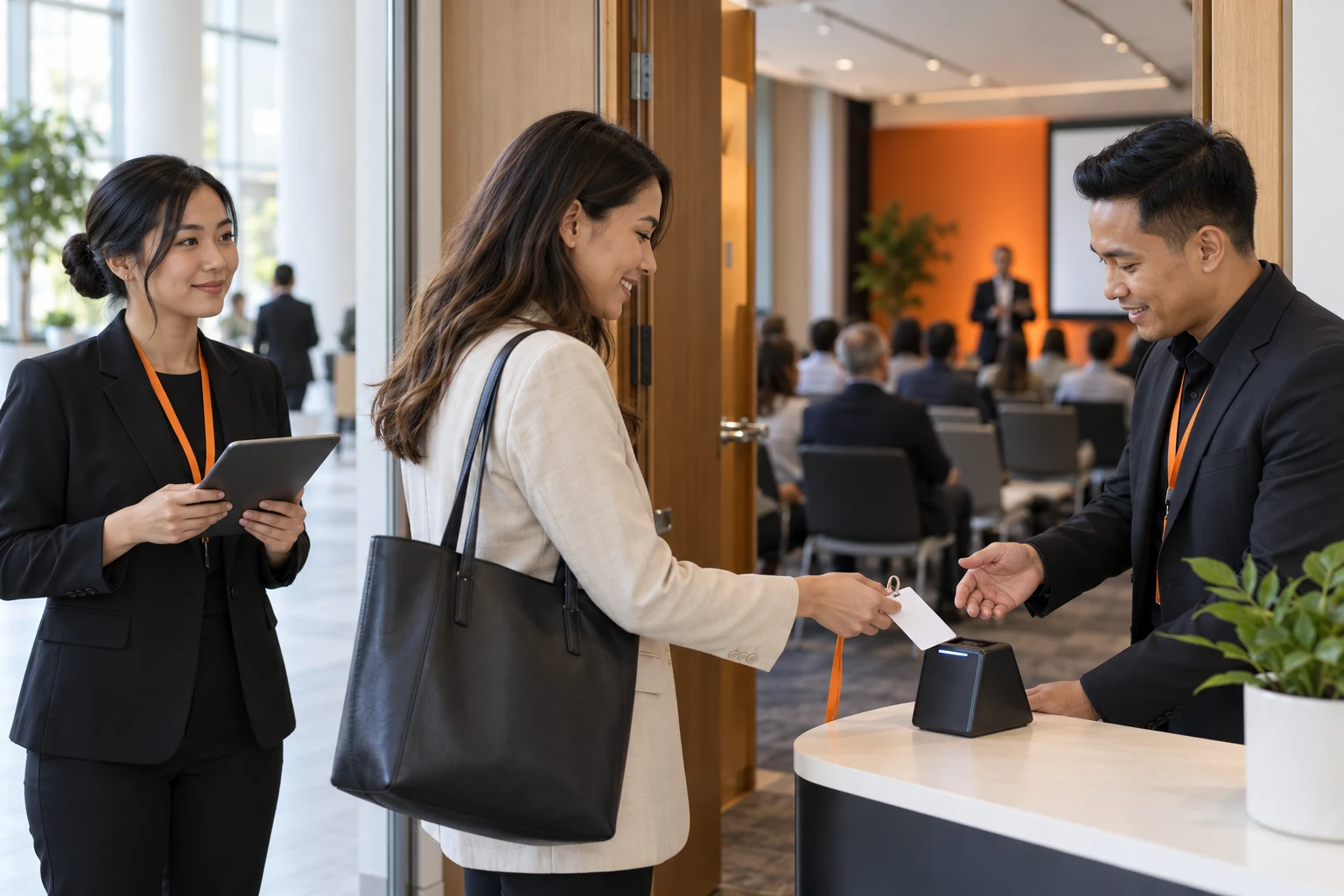
WHERE IT FITS
Use it when access differs by room or time slot. Issue badges at staff desks or kiosks, then check session access at the room door.
WHAT YOUR TEAM CAN DO
See the session, open status, location and time before processing guests.
Use a front or rear camera, an external QR reader or manual lookup when a guest has no code.
The service checks the selected session list and rules. Event check-in does not automatically grant session access.
Show admitted, duplicate, not eligible and closed-session results clearly.
Keep an uncertain operation pending. Check the original result before deciding what to do next.
Review session counts, access information and records. Unavailable server statistics stay unavailable.
FROM SETUP TO HANDOVER
PRACTICAL ANSWERS
Use staff check-in for updates and exceptions, kiosks for prepared guests, and Session mode for room-specific access. Different iPads can serve each part of the same event.
With the list downloaded, staff and kiosk main-event check-ins can be saved locally and uploaded later. Printing still needs a printer connection. Tap services, sessions, new registrations and online redemption need internet.
Current Session mode verifies access and confirms admission online. It is separate from main-event offline check-in, tap input and badge printing.
LET’S PLAN YOUR EVENT
How will guests arrive? Which doors need access checks? Which printers do you have? Make the demo fit your event.