Staff check-in
Put exceptions in staff hands.
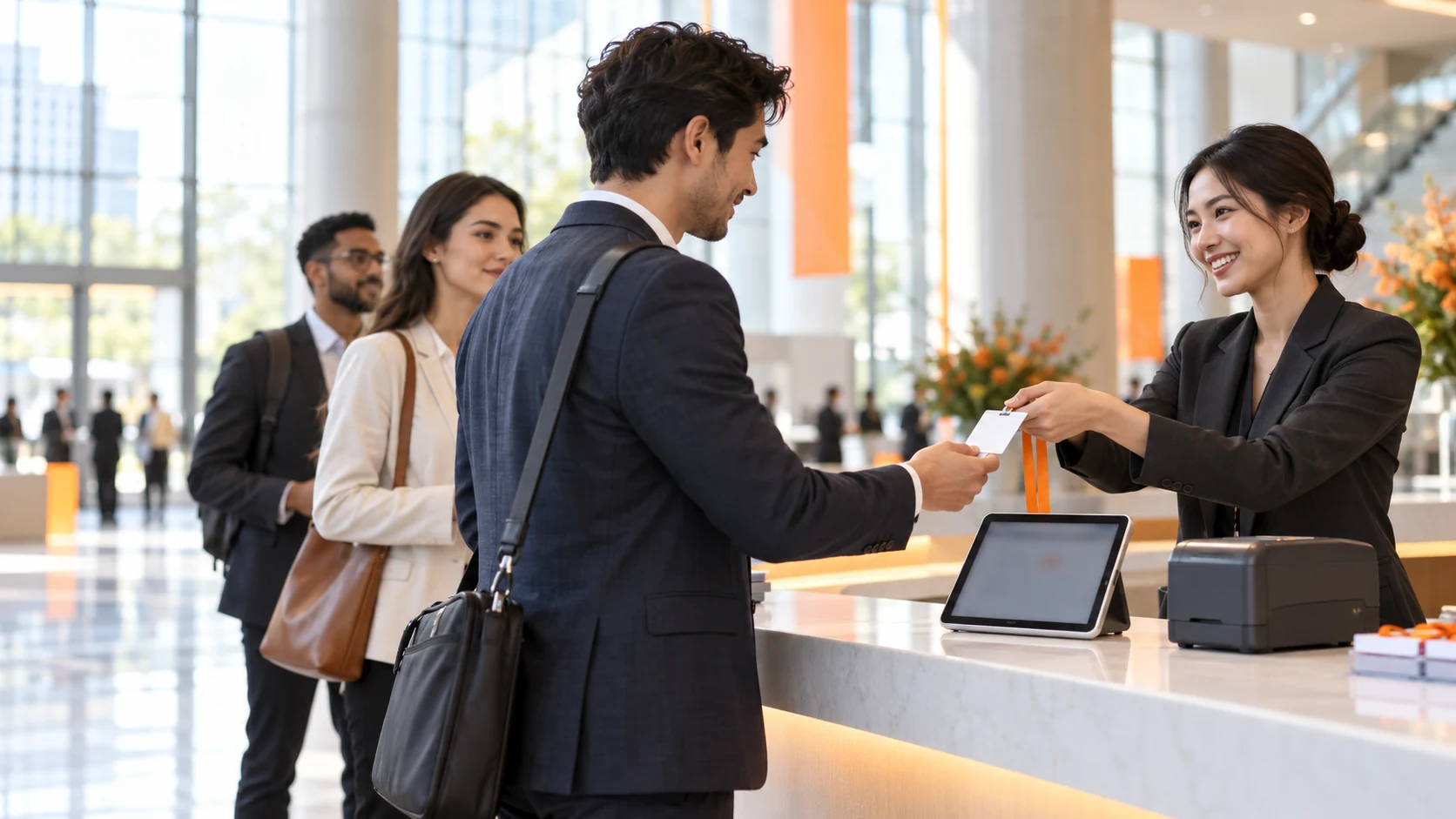
Handle missing QR codes, changed details and walk-ins. Staff can look up guests, review their status, update profiles and print badges in one workspace.
Explore this modeIPAD / EVENT OPERATIONS
Staff check-in, self-service kiosks and session access. Three iPad modes for the journey from welcome desk to meeting room.
One workspace. The right role at each point.
Explore all features ↗THREE MODES. ONE CONNECTED EVENT.
Each mode has a clear job. Combine them across the same event.
Put exceptions in staff hands.
Handle missing QR codes, changed details and walk-ins. Staff can look up guests, review their status, update profiles and print badges in one workspace.
Explore this modeLet prepared guests check themselves in.
Turn an iPad into a self-service welcome desk. Guests use the configured entry methods, check in and collect a badge when automatic printing is enabled. Staff stay nearby for exceptions.
Explore this modeCheck access at each meeting-room door.
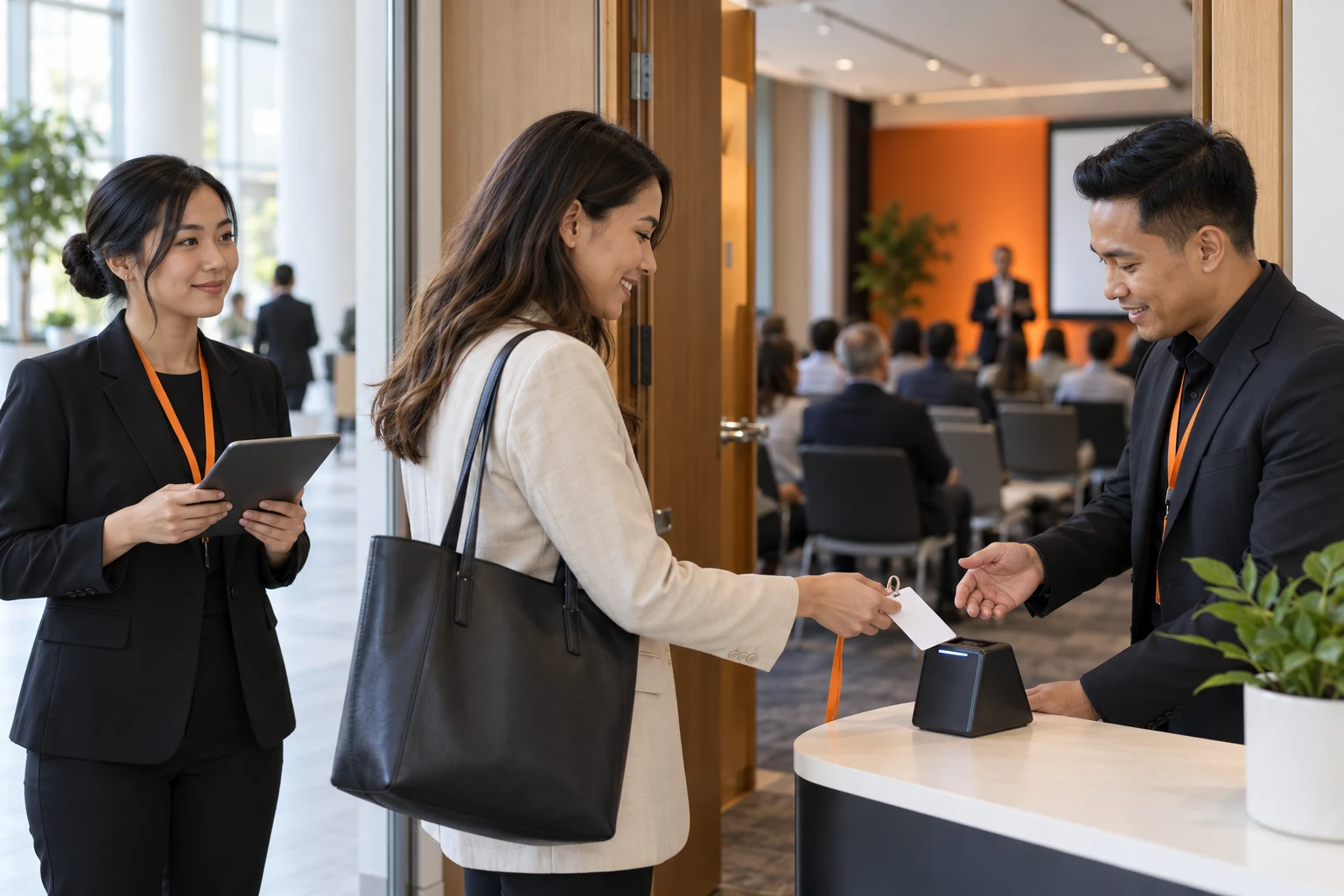
Breakouts, private meetings and training sessions have their own lists and doors. Select a session, verify access, confirm admission and review records separately from event check-in.
Explore this modeMODE 01
Start with staff desks for arrivals and exceptions. Add kiosks for prepared guests and Session mode at meeting-room doors.

MODE 02
Best for registered guests with prepared details. Keep a staff help desk nearby for missing matches, reviews and print issues.
MODE 03
Use it when access differs by room or time slot. Issue badges at staff desks or kiosks, then check session access at the room door.
SCAN. TAP. FIND.
Choose QR codes, phone tapping or name lookup for each lane. The check-in rules still verify the guest.
Tap check-in uses external hardware and an online service, with staff-desk and kiosk configuration. It does not rely on built-in iPad NFC.
Explore tap check-in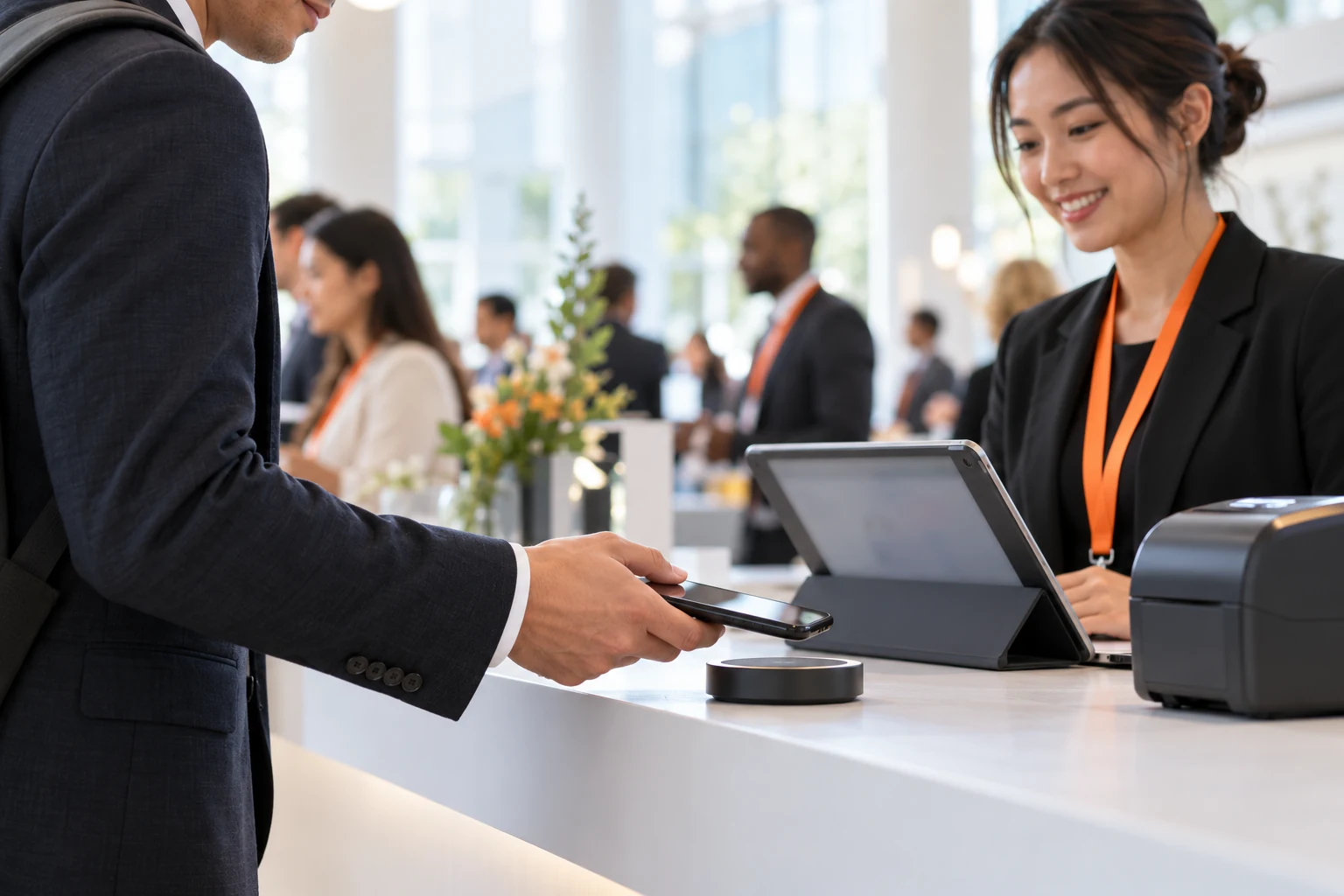
PRINTERS THAT FIT YOUR FLOOR
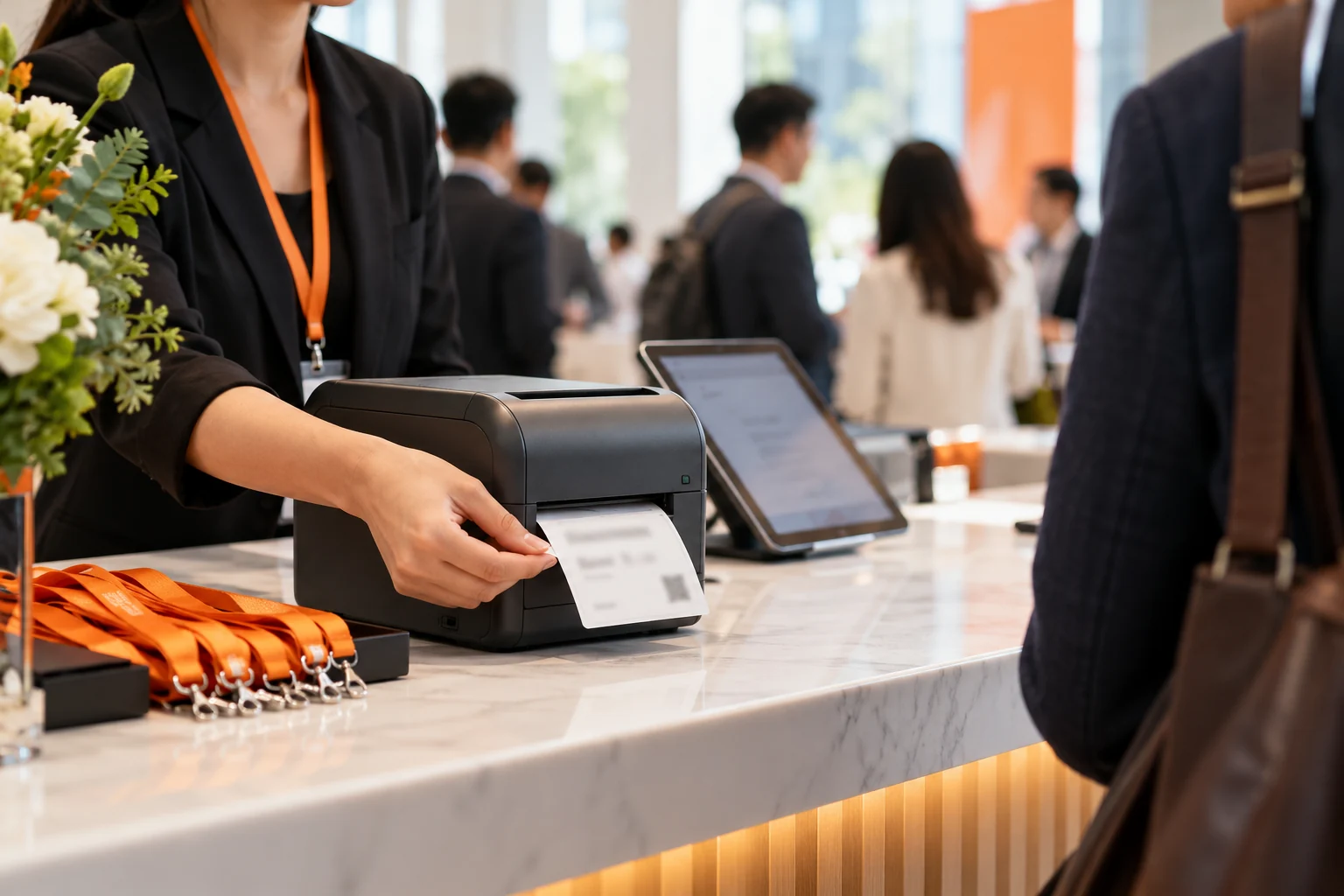
Assess the hardware you already have. Review the model, connection, stock and template together.
THE BADGE FOLLOWS THE GUEST
Review the template and fields in the browser. Preview, print and reprint on iPad. Keep names, companies and guest categories easy to read.
CHOOSE BY THE JOB
Swipe sideways to view the full table.
| What to consider | Staff check-in | Self-service kiosk | Session admission |
|---|---|---|---|
| Main job | Staff assistance, profile updates, badges | Guest self-service and configured printing | Session-specific access and admission |
| Best location | Registration, VIP and help desks | Registered-guest lanes | Breakout and training-room doors |
| Guest input | Scan, search, configured tap service | Camera / reader, lookup, tap device | Camera / QR reader, manual lookup |
| Connectivity | Local-list check-in can work offline; services need internet | Local-list check-in can work offline; tap needs internet | Online verification and admission |
| Badge printing | Multiple staff-desk print paths | Validated kiosk auto-print paths | No badge printing in this mode |
TRY THE WORKFLOW
Switch modes and simulate an arrival. Toggle the demo network to see the different requirements.
Website simulation with fictional data. No live hardware or services. Event count: 127 → 128. Session count: 0 → 1.Choose a mode and input method to begin.
BUILT AROUND YOUR EVENT

Staff check-in + Self-service kiosk + Session admission
Register once, then verify access at each breakout.
See the workflowStaff check-in + Self-service kiosk
Several entrances, arrival peaks and walk-ins.
See the workflow
Self-service kiosk + Staff check-in + Session admission
A branded welcome and accurate guest details.
See the workflow
Staff check-in + Self-service kiosk + Session admission
Different setups. A repeatable handover.
See the workflowTHE ANSWERS BEFORE THE EVENT
Use staff check-in for updates and exceptions, kiosks for prepared guests, and Session mode for room-specific access. Different iPads can serve each part of the same event.
The current integration uses an external tap device and online service to send a guest identifier to the iPad. It is not direct phone-to-iPad tapping or universal NFC-card support.
With the list downloaded, staff and kiosk main-event check-ins can be saved locally and uploaded later. Printing still needs a printer connection. Tap services, sessions, new registrations and online redemption need internet.
Verified code paths include Brother QL, Zebra, GK888T, Argox, XP-T451B and staff-desk AirPrint. Support differs by mode: XP-T451B and AirPrint are not current kiosk auto-print options. Validate the exact model and sample.
LET’S PLAN YOUR EVENT
How will guests arrive? Which doors need access checks? Which printers do you have? Make the demo fit your event.