Staff desk: keep the guest in context.
After a tap, staff can review the guest, handle details and submit the badge. Useful at staffed welcomes, VIP lanes and help desks.
Staff check-inTAP-TO-CHECK-IN
A compatible external tap device sends the guest identifier through an online service. The iPad then follows the staff-desk or kiosk check-in flow.
Plan my setup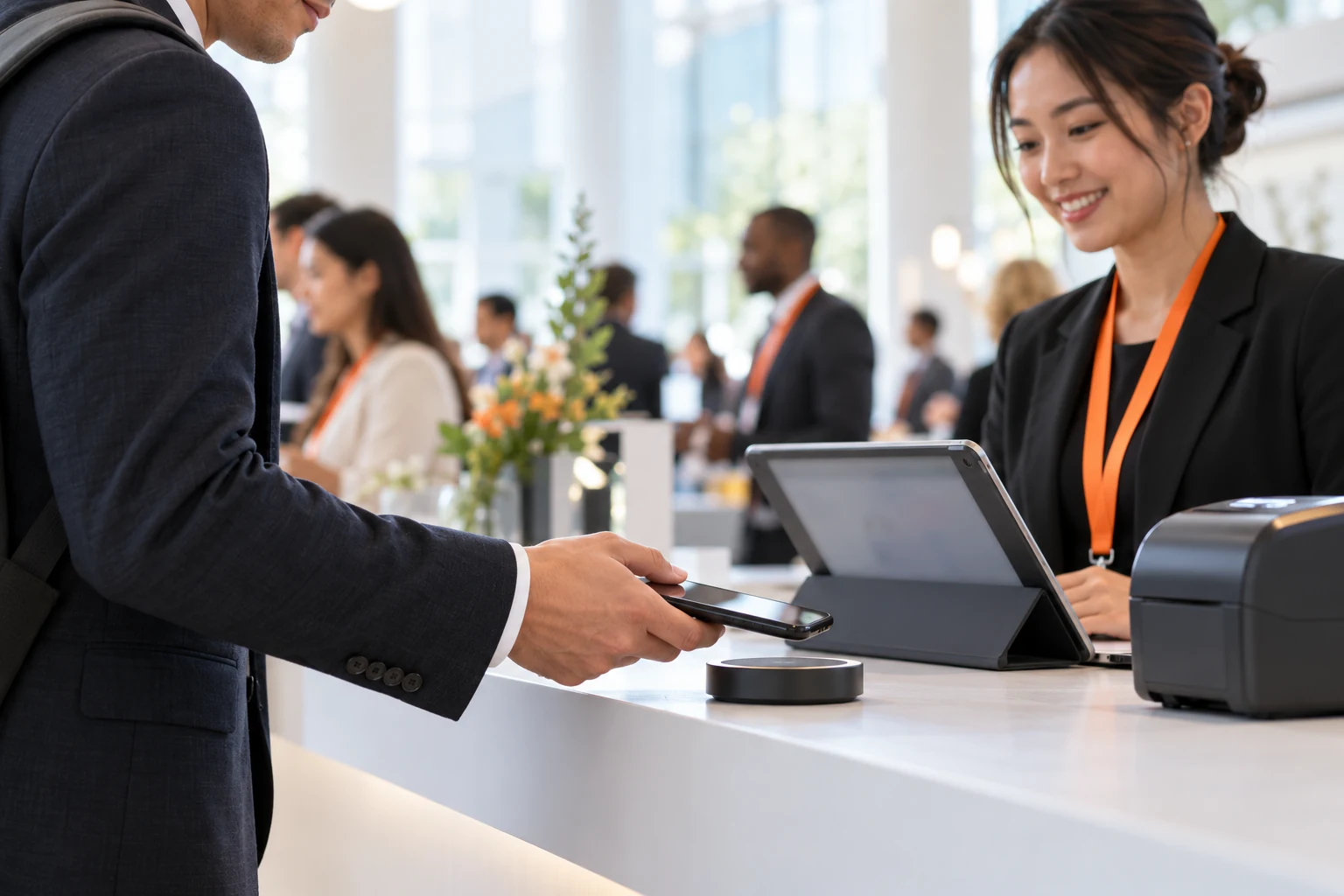
HOW IT WORKS
After a tap, staff can review the guest, handle details and submit the badge. Useful at staffed welcomes, VIP lanes and help desks.
Staff check-inEnable tap alone or combine it with QR and name lookup. Kiosk tap settings are saved independently for the event on the iPad, and the welcome screen can stay ready.
Self-service kioskThe current integration uses an external tap device and online service to send a guest identifier to the iPad. It is not direct phone-to-iPad tapping or universal NFC-card support.
With the list downloaded, staff and kiosk main-event check-ins can be saved locally and uploaded later. Printing still needs a printer connection. Tap services, sessions, new registrations and online redemption need internet.
Current Session mode verifies access and confirms admission online. It is separate from main-event offline check-in, tap input and badge printing.
LET’S PLAN YOUR EVENT
How will guests arrive? Which doors need access checks? Which printers do you have? Make the demo fit your event.